I sometimes write tutorials or How-To documents for people. I was recently asked, “How do I merge iPhoto events?” and I thought I would share with my readers.
Dixie Allan over at WebClipart.about.com creates clipart that her Terms of Use allows for personal not for profit use. I use them for personal cards and things; on occasion I will use them on my blog, of course giving her credit.
I’ve just imported a bunch of her Valentine’s Day clipart into my “Graphics” iPhoto library so it is the perfect time to write this tutorial.
You’ll notice that when you import individual images into iPhoto it automatically creates a separate event for each image, each noted here by “untitled event”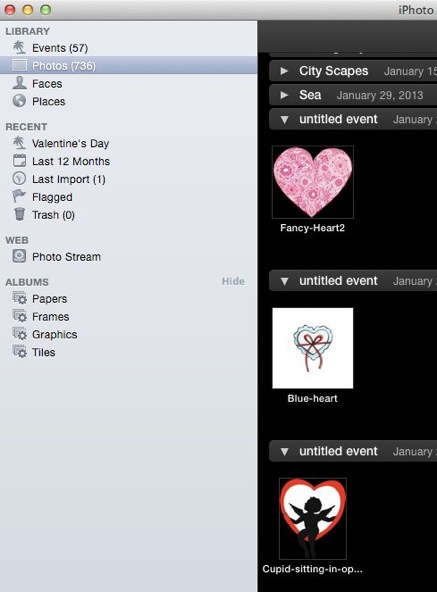
In the above, you can see in the left navigation area iPhoto shows “Photos library” is selected. You could just drag each photo into the event you want, but if you have a lot that can be tedious if you have a bunch and if they’re not right next to each other.
So, let’s work with events by click the “Event” library in the left margin and you’ll see something similar to this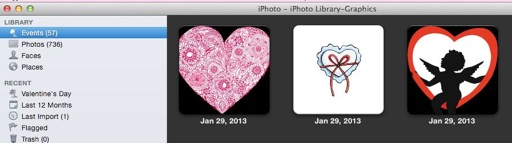
Now, single click the first event you wish to merge. Now while holding down the Command button click each of the other events. You’ll notice each event you select will then be outlined like this.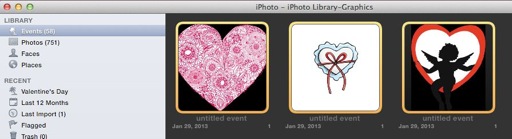
If you happen to select an event you don’t want to merge, as shown here (Autumn is selected and well Valentine’s Day isn’t in Autumn so I don’t want it to be merged)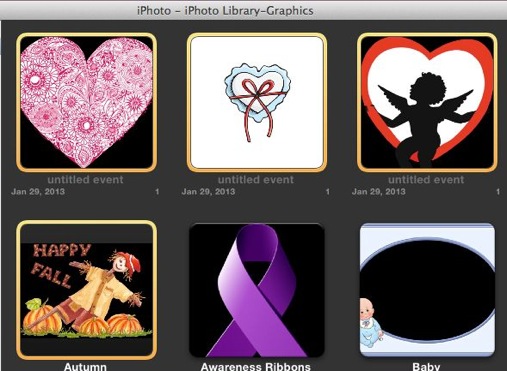
While holding down the Command button click the event you don’t want and it will be deselected.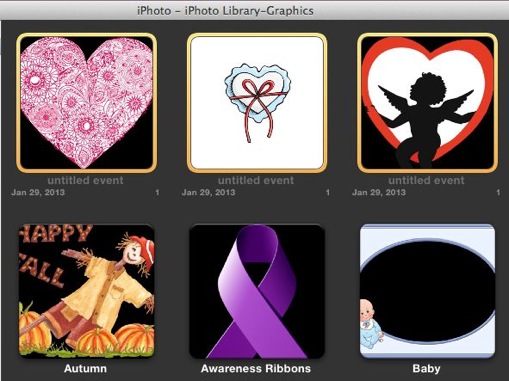
Now that you have the correct events selected you have a few choices on how to Merge Events.
-
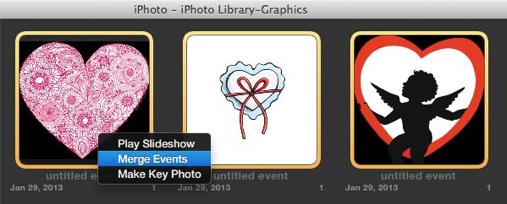
You can right-click on one of the events and choose “Merge Events”
-
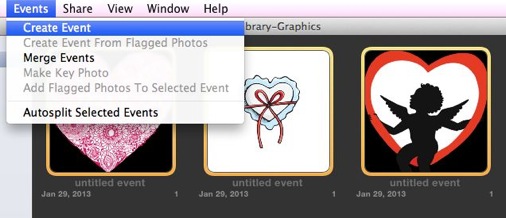
Or you can go to the Events menu and choose “Create Event” or “Merge Events”
-
Or you can deselect one of the events and drag the others onto the unselected event
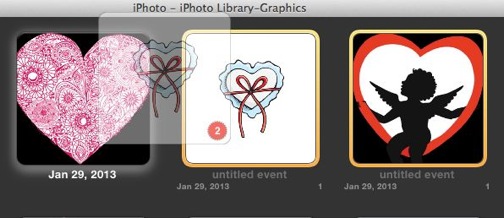
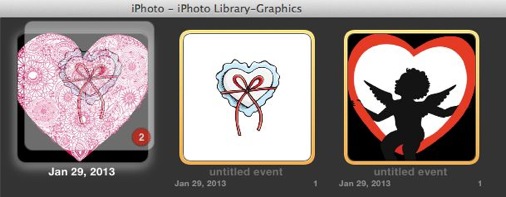
Whatever way you choose, when the events have been merged you will see your single event displayed.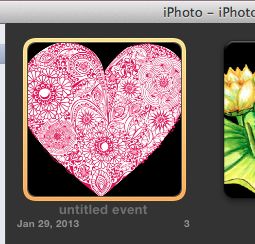
If as in my case the event is untitled, you can create a name by clicking on the “untitled event” title and enter a title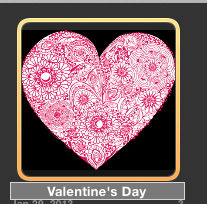
If you have sorting by name turned on (under View menu) then your even will change location. In my case it went to the bottom. I then noticed something, I now have two “Valentine’s Day” events (save for the Vintage one which I want to keep separate)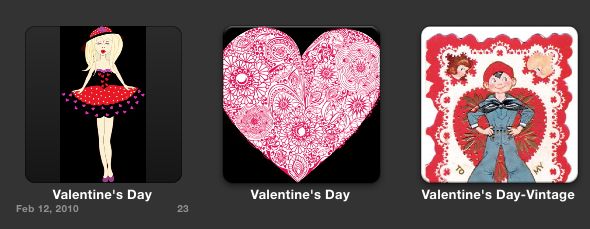
So time for more merging, this time I just drug newest one on top of original
There we go… now I have everything setup the way I want it.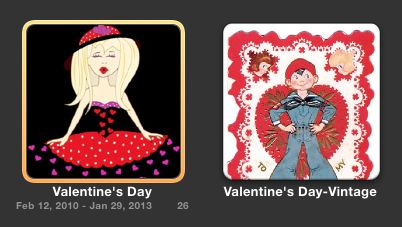
I hope this tutorial (How-To) was helpful. Was it?
Do you have any other subjects you’d like to learn?